Can an AI Write Your Timesheet Email? (We Built a Tool That Does)
Looking for a timesheet email template? Stop copy-pasting boring text. Learn how to use our AI assistant to draft the perfect email to your boss or HR.
You’ve finished your shift, you’ve double-checked your math, and now comes the part everyone hates: writing the email. You open your inbox, stare at a blank screen for three minutes, and then start typing: "Hi [Boss Name], I am attaching my timesheet for the week..." It feels awkward, it looks generic, and honestly, you have better things to do with your life than play Mad Libs with your payroll department.
Why the "Timesheet Email Template" is Dead
If you search for a "timesheet email template," you’ll find the same five boring drafts on every HR blog on the internet. Your boss has seen them all. When you copy and paste a template, it sends a subtle message: "I’m just checking a box." It lacks context, it lacks personality, and it definitely doesn't help you if you need to explain something tricky—like why you pulled ten hours of overtime on Wednesday or why you had to cover for someone else's mistake.
Templates are static. They don't know your tone, they don't know your specific situation, and they usually sound like they were written by a legal department in 1994. In the age of AI, we should be doing better than "copy-paste."
Meet Your New AI HR Assistant
When we were building our online timecard calculator, we realized that calculating the hours was only half the battle. People were still dreading the actual "click send" moment. So, we did something a little different: we built an AI Email Assistant right into the sidebar.
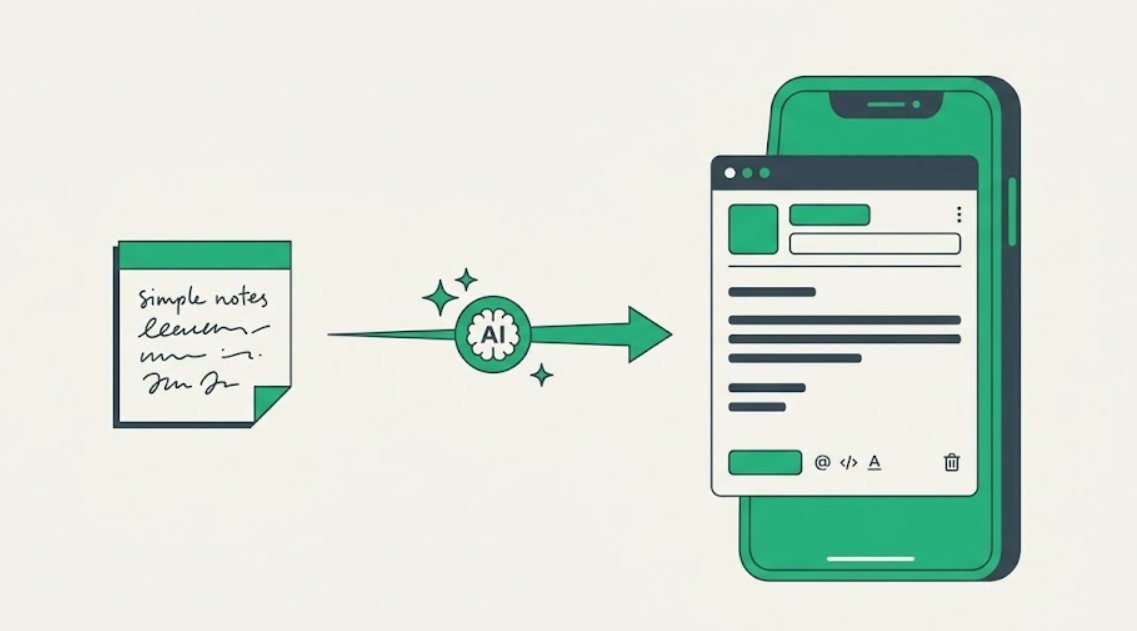
Instead of hunting for a template, you just type a few notes. Maybe something like, "Traffic was a mess on Monday so I stayed late on Tuesday to catch up, also Sarah missed her shift." The AI takes those raw notes, looks at your calculated hours and gross pay, and drafts a perfectly professional, polite, and human-sounding email in about three seconds.
How to Submit a Timesheet Email (The Smart Way)
The goal isn't just to send an email; it's to get paid without friction. A custom-drafted AI email looks like you actually put thought into it. It handles the "weird" stuff for you—like framing overtime as a productive contribution rather than an extra expense.
You get a clean, ready-to-copy draft that matches your style. No placeholders like "[Insert Date Here]" to forget. No corporate jargon you'd never actually say. Just a clear, professional message that gets the job done so you can get on with your weekend.
Common Questions About Timesheet Emails
What handles the AI part of the calculator?
We use the Gemini 3.1 model to generate the drafts. It’s trained to understand professional context and workplace etiquette, ensuring your emails are polite but direct. It doesn't store your personal data; it just helps you find the right words.
Should I mention my overtime in the email body?
Yes. Highlighting overtime (especially if it wasn't pre-approved) is the best way to avoid a "wait, what's this?" phone call later. Our AI automatically includes your overtime totals so there are zero surprises for your manager.
Can I use this for my clients as a freelancer?
Absolutely. It’s actually better for freelancers because it combines your billable hours with a professional cover letter. It makes your weekly or monthly check-in feel like a high-end service report rather than a bill.