How to Track Independent Contractor Hours (A Guide for 1099 Workers)
Just started a 1099 gig? Learn how to track hours as an independent contractor without buying expensive software. Follow our simple, professional guide.
So, you finally took the plunge. You left the W-2 world behind for the freedom of being an independent contractor. No more corporate managers breathing down your neck, no more mandatory "team building" Zoom calls. But about three days into your first project, it hits you: there is no corporate portal. There is no ADP login. There is just you, a blank screen, and a client who expects an accurate invoice by the end of the month.
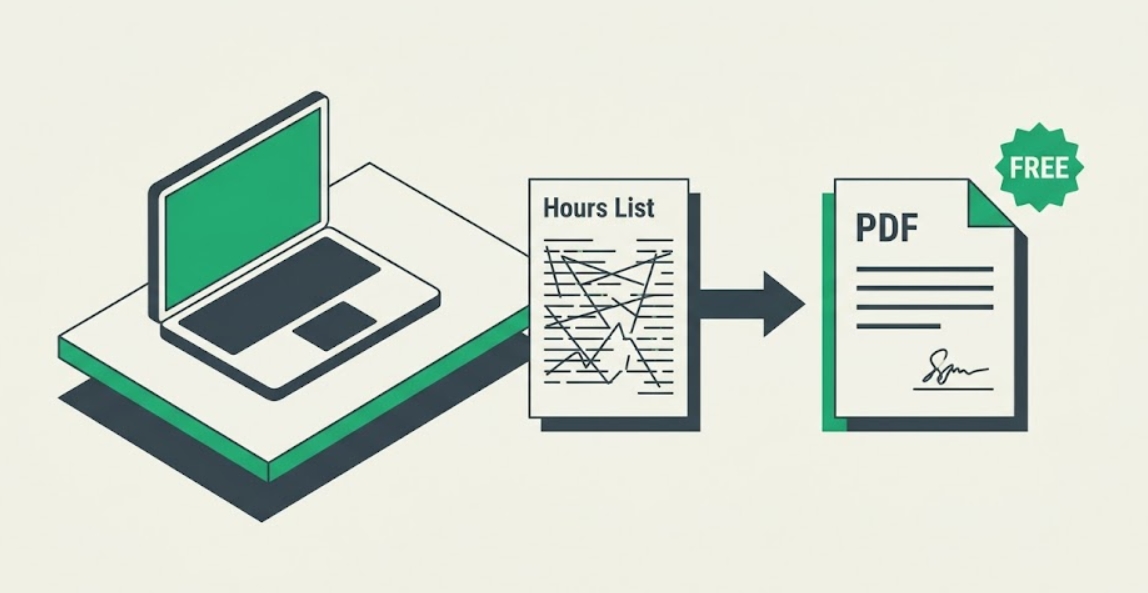
The "Freelance Tax" You Shouldn't Have to Pay
The first thing most people do is search for "how to track hours as an independent contractor." And honestly, the results are depressing. You’ll find a dozen SaaS companies trying to lock you into a $15 or $20 a month subscription just to use a basic timer. They want to sell you project management, team collaboration, and a bunch of other bells and whistles you don't need when it's just you and your laptop.
I call this the "Freelance Tax." It’s the money you spend just to manage the fact that you’re freelancing. But here’s a secret: tracking your 1099 hours doesn't have to be expensive, and it definitely shouldn't be complicated. You don't need a high-end software suite to prove you worked 40 hours last week.
The Professional Way to Log 1099 Time
If you want to keep your clients happy and get paid on time, "I worked about 30 hours this week" isn't going to cut it. You need a paper trail. But you also don't want to spend your Sunday night wrestling with a messy Excel sheet (we've all been there, and it’s a nightmare).
The smartest way to handle this is to treat your timekeeping like a business process. Once a week (or even daily), hop over to our free timecard calculator. Plug in your start and end times, deduct any lunch breaks, and let the system do the heavy lifting. It calculates your gross pay and separates regular time from overtime automatically.
The "One-Click" Pro Move
When it’s time to bill your client, don't just send a text or a line item on an invoice. Hit the **"Download Timecard as PDF"** button. This gives you a clean, branded document that shows you’re a professional. Attach it to your invoice or your Upwork/Fiverr portal.
When a client sees a formal timecard, two things happen. First, they trust your numbers more because they look verified. Second, they stop asking questions. You aren't just some guy with a spreadsheet; you're a contractor with a system. That alone is worth more than any $20/month subscription.
Common Questions for New 1099 Workers
Do I need to track minutes or just hours?
Track the minutes. Most clients expect to be billed to the nearest 15-minute increment. If you round everything to the nearest hour, it looks suspicious. Using a calculator ensures your minutes are converted to decimals correctly (e.g., 45 minutes = 0.75 hours) so your invoice math is perfect.
Should I include breaks on my contractor timesheet?
Generally, no. As an independent contractor, you're usually paid only for "heads down" work time. By listing your breaks clearly (and deducting them), you show the client you aren't billing them for your lunch. It builds massive trust.
Is a digital timecard valid for the IRS?
Yes. In fact, having a consistent digital record (like a series of PDF timecards) is much better than a notebook or a messy file folder in case of an audit. It proves your income and helps you justify your business expenses and deductions.